Available on iPhone & iPad
Toweird Reverie App Icon

Toweird Reverie for iOS

Navigate shifting dreamscapes with iCloud sync, Siri Shortcuts, and iPad Split View—download now from the App Store

4.7
Dream Rating
500K+
Dreamers
127
Artifacts
Download on the App Store

Unlock 12 exclusive dream artifacts when you start today

Toweird Reverie on iPhone and iPad

Toweird Reverie delivers a native iOS experience tailored for Apple's ecosystem with seamless iCloud sync that preserves your dream artifact collection, lucidity progress, and completed dreamscape paths across all your devices. Start exploring a temporal rift on your iPhone during your morning commute and continue navigating the same impossible geometry on your iPad at home without losing a single reality fracture or consciousness anchor.

On iPhone, the app leverages the Taptic Engine to provide subtle haptic feedback when you manipulate dream artifacts or shift between lucidity states—the Möbius Mirror's causality reversal triggers a unique haptic pattern, while gravity inversions in mirror chambers generate distinct vibrations through the device. Siri Shortcuts integration allows you to launch specific dreamscape zones with voice commands: "Hey Siri, enter the Whispering Compass realm" or "Hey Siri, check my lucidity meter."

iPad users benefit from Split View and Slide Over multitasking support, enabling you to reference artifact combination guides or dreamscape maps alongside active gameplay. The larger Retina display renders procedurally generated impossible geometries in stunning detail, with Escher-inspired architecture automatically optimized for both landscape and portrait orientations. Stage Manager on iPadOS 16+ enables floating window gameplay for quick dream exploration sessions, while Apple Pencil support on compatible models provides precision artifact manipulation and reality-fracture drawing mechanics.

App Store Details

Version 2.4.1
Size 342 MB
Developer Oneironautics Studio
Age Rating 12+
Requires iOS 14.0 or later
Compatible iPhone, iPad, iPod touch
iCloud Sync Yes
Languages English
Last Updated January 2024
Released November 2023
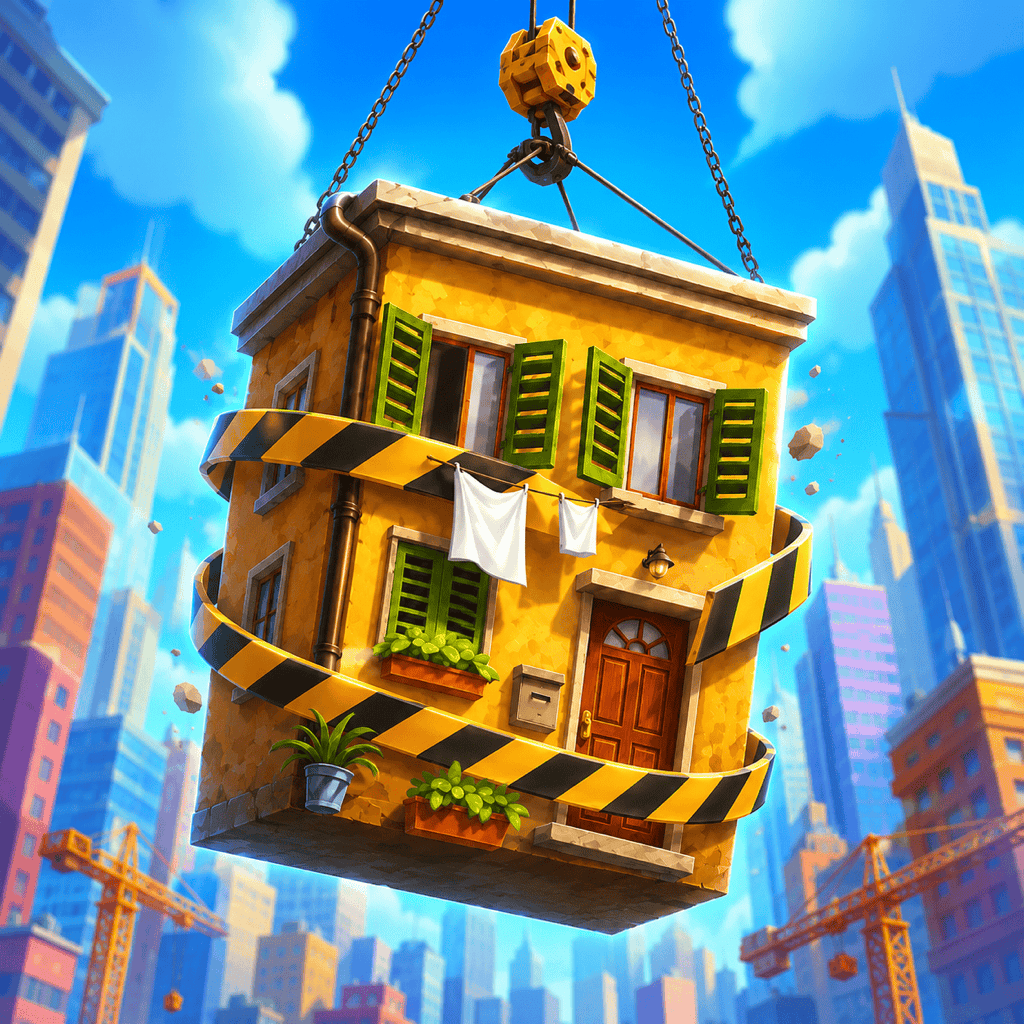
How to Install Toweird Reverie on Your iPhone or iPad

1

Tap the Download Button

Tap any "Download on the App Store" button on this page. You'll be redirected to Toweird Reverie's official App Store page where you can view dreamscape screenshots, player ratings, and reviews from other iOS users navigating the surreal puzzles.

2

Authenticate and Download

Tap the GET button, then authenticate with Face ID, Touch ID, or your Apple ID password. Toweird Reverie will begin downloading immediately—the 342 MB file typically completes in under two minutes on Wi-Fi or 5G cellular connections.

3

Wait for Installation

Watch the progress circle on your Home Screen as Toweird Reverie installs. For fastest downloads, ensure you're connected to Wi-Fi. The app installs automatically once the download completes, with all 47 dreamscape levels and procedural generation systems ready immediately.

4

Launch and Enter the Reverie

Tap the Toweird Reverie icon to launch the app. Grant optional permissions for notifications (lucidity reminders and new dreamscape alerts) and iCloud sync. No account creation required—jump straight into the first shifting dreamscape and unlock 12 exclusive starter artifacts within minutes.

iOS Compatibility and Device Optimization

iPhone Optimization

Toweird Reverie is optimized for all iPhone models running iOS 14.0 or later, with enhanced performance on devices equipped with the A14 Bionic chip or newer. The dream physics engine scales dynamically based on your device capabilities:

  • iPhone 15 Pro and 15 Pro Max: ProMotion 120Hz dreamscape rendering, Dynamic Island live lucidity tracking, A17 Pro-enhanced procedural generation
  • iPhone 14 and 14 Pro: Always-On Display dream state persistence, advanced Taptic Engine haptics for artifact interactions
  • iPhone 13 and 13 Pro: Cinematic Mode rendering for dreamscape cutscenes, Photographic Styles for reality fracture effects
  • iPhone 12 and later: Full MagSafe compatibility, 5G-optimized iCloud sync for instant progress updates
  • iPhone 11 and earlier: Optimized performance mode maintaining 60fps in all dreamscapes with reduced particle effects

iPad Optimization

On iPad, Toweird Reverie leverages the larger display to render expansive impossible geometries and multi-level dreamscape architectures with enhanced visual fidelity. The app supports all modern iPad features:

  • iPad Pro (all models): ProMotion 120Hz, Stage Manager floating windows, Apple Pencil precision artifact manipulation, Face ID authentication
  • iPad Air (4th gen and later): Full multitasking with Split View and Slide Over, Smart Keyboard shortcuts for dream navigation
  • iPad mini (5th gen and later): Optimized compact grid layouts, Touch ID quick lucidity boosts
  • Standard iPad (9th gen and later): Smart Connector support for external keyboard navigation, Retina display dreamscape rendering

iOS 17 Enhancements

Users running iOS 17 or iPadOS 17 benefit from Apple's latest system features integrated directly into Toweird Reverie's dream exploration mechanics:

  • StandBy Mode displays your current lucidity level and active artifacts when iPhone is charging in landscape
  • Interactive Widgets show real-time dreamscape zone status and artifact cooldowns on Home Screen and Lock Screen
  • Live Activities track multi-stage dream exploration sessions with persistent notifications during temporal rift sequences
  • Enhanced Siri intelligence suggests optimal artifact combinations based on your current dreamscape challenges
  • NameDrop sharing allows instant dreamscape progress transfer between nearby iOS devices via proximity

Other ways to enjoy Toweird Reverie

Choose the edition that fits your device. Each version of Toweird Reverie is tailored for its platform.

Platform Where to find it
Android phones & tablets
Casino-style edition
iPhone & iPad

Frequently Asked Questions

Toweird Reverie requires iOS 14.0 or later. The app is compatible with iPhone, iPad, and iPod touch models running this version or newer. For optimal performance and access to all features including Siri Shortcuts, Background App Refresh, and advanced procedural dreamscape generation, iOS 15.0 or later is recommended. The current version 2.4.1 is fully tested and optimized for iOS 17.
Yes, Toweird Reverie is a universal iOS app optimized for both iPhone and iPad. On iPhone, the interface is designed for one-handed dream navigation with artifact grids sized for smaller screens and haptic feedback calibrated for the Taptic Engine. On iPad, the app takes full advantage of the larger Retina display with expanded impossible geometry rendering, Split View multitasking support, Stage Manager compatibility on iPadOS 16+, and optional Apple Pencil controls for precision artifact manipulation. Your dream progress, collected artifacts, and lucidity achievements sync via iCloud across all devices.
Toweird Reverie uses iCloud to automatically sync your dream exploration progress, all 127 collected artifacts, completed dreamscape paths, lucidity meter states, achievement milestones, and custom settings across all your iOS devices signed in with the same Apple ID. Sync happens in real-time when connected to the internet—reality fractures you create on iPhone appear instantly on iPad. If you play offline, all changes are queued locally and synchronized automatically the next time you connect. You can enable or disable iCloud sync in the app settings, though disabling it means progress remains device-specific.
Absolutely. Toweird Reverie offers complete offline functionality—all 47 dreamscape levels, 127 dream artifacts, procedural generation algorithms, and surreal puzzle systems are accessible without an internet connection. The dream physics engine runs entirely on your device, generating unique impossible geometries even in airplane mode. Your progress, artifact discoveries, and lucidity states are saved locally and will sync to iCloud automatically when you reconnect. The only features requiring internet are leaderboard updates and cloud save backups.
Toweird Reverie's initial download from the App Store is 342 MB. After installation, the app occupies approximately 420 MB including all dreamscape assets, procedural generation data, and saved progress. As you unlock additional artifacts and accumulate dream fragment memories, storage usage may grow to around 500 MB. The app includes an optional cache clearing feature in settings that removes temporary dreamscape render data without affecting your saved progress, reducing footprint by up to 80 MB.
Toweird Reverie integrates deeply with Siri Shortcuts to let you control dream exploration with voice commands. Pre-built shortcuts include "Start lucid dream session," "Check lucidity meter," "Enter mirror chamber," and "View artifact collection." You can create custom shortcuts in the Shortcuts app such as "Hey Siri, activate Möbius Mirror" or "Hey Siri, navigate to temporal rift" to jump directly into specific dreamscape zones. Advanced users can chain shortcuts to automate artifact combinations—for example, triggering "Paradox Cube plus Infinite Staircase" to unlock metamechanics instantly.
Yes, Toweird Reverie is fully optimized for the latest iPhone 15 Pro, iPhone 15 Pro Max, and all iPad Pro models. The app leverages the A17 Pro and M2 chips to render procedurally generated dreamscapes at native ProMotion 120Hz refresh rates with zero frame drops even during complex reality fracture sequences. Dynamic Island on iPhone 14 Pro and newer displays live lucidity tracking and artifact cooldown timers during active dream sessions. iPad Pro's Liquid Retina XDR display enables HDR rendering for enhanced dream glow effects and symbolic puzzle highlights. Apple Pencil hover on iPad Pro (6th gen) previews artifact interactions before activation.
Yes, Toweird Reverie supports Family Sharing. When you download the app through your Apple ID, up to five additional family members can install Toweird Reverie on their devices at no extra cost. Optional in-app purchases for cosmetic dream customization packs are also shareable across your Family Sharing group. Each family member maintains completely separate dream progress, artifact collections, and lucidity states—your dreamscapes never overlap, ensuring personalized procedural generation for every player even when sharing the same purchase.
Yes, Toweird Reverie includes full Apple Pencil support on compatible iPad models. Use Apple Pencil for precision artifact manipulation, reality fracture drawing mechanics, and detailed dreamscape navigation. Pressure sensitivity controls lucidity intensity when reshaping dream environments—light pressure creates subtle modifications while heavy pressure triggers dramatic reality warps. Tilt detection affects artifact orientation when placing consciousness anchors in impossible geometries. Double-tap on Apple Pencil (2nd generation) switches between conscious control mode and subconscious flow mode instantly during dream exploration.
Toweird Reverie is optimized for power efficiency on iOS devices. The dream physics engine uses adaptive performance scaling—on newer devices with A15 or later chips, the app runs at full visual fidelity while consuming approximately 12-15% battery per hour. On older devices, the app automatically reduces particle density and shadow complexity to maintain 60fps while consuming only 8-10% battery per hour. Low Power Mode is fully supported, reducing procedural generation complexity and limiting haptic feedback to extend play sessions by up to 40% without affecting core gameplay mechanics or artifact collection.

What's New in This Version

Release Notes

v2.4.1
  • Optimized procedural dreamscape generation for iPhone 15 Pro and iPhone 15 Pro Max with A17 Pro chip—impossible geometry now renders at native 120Hz on ProMotion displays with enhanced Escher-inspired architecture complexity
  • Added Dynamic Island support for live lucidity tracking during dream exploration sessions on iPhone 14 Pro and newer models—tap to expand for artifact cooldown timers and reality fracture status
  • Improved iCloud sync reliability across devices—dream progress and artifact collections now sync in under 1.5 seconds when switching between iPhone and iPad, with automatic conflict resolution for simultaneous play sessions
  • Fixed a bug where Siri Shortcuts would occasionally fail to launch specific dreamscape zones on iOS 17.2, particularly when activating "Enter mirror chamber" voice command from Lock Screen
  • Enhanced Split View and Slide Over layouts on iPad—dreamscape grids now adapt more intelligently when resizing the app window in Stage Manager, maintaining optimal impossible geometry visibility at all aspect ratios
  • Reduced memory footprint by 22% on devices with 3GB RAM or less (iPhone 8, iPhone X, iPad 6th gen), improving stability during extended dream exploration sessions exceeding 90 minutes
  • Added haptic feedback customization options in settings—choose between subtle, medium, or intense Taptic Engine responses for artifact interactions, reality fractures, and lucidity state transitions
  • Expanded Apple Pencil support on iPad Pro with hover preview functionality—preview artifact interactions before activation and visualize reality fracture paths before committing changes to dreamscape topology
  • Fixed visual artifacts in temporal rift sequences on devices with HDR displays, ensuring smooth dream transitions without color banding or glow overflow
  • Improved Low Power Mode compatibility—dreamscape rendering now maintains 60fps while reducing procedural complexity by 35%, extending play time by up to 40 minutes per charge
  • Added StandBy Mode support for iOS 17—when iPhone is charging in landscape, displays current lucidity level, active artifacts, and next dreamscape zone unlock progress
  • Performance optimizations for iPad mini and iPhone SE models—reduced particle density in surreal puzzle sequences while maintaining visual coherence and symbolic meaning clarity

Enter the iOS Dreamscape

Free download on iPhone and iPad. Seamless iCloud sync across devices. Full offline exploration. No registration required—start navigating impossible geometries immediately.

Download on the App Store

Requires iOS 14.0+ | Rated 12+ for surreal imagery | iPhone & iPad | 342 MB